


nervous labs
a generative design workshop
work/shop
Welcome to our playground for design and experimentation. Use our apps to create your own designs, or see what new objects we are cooking up in the lab. Our design apps are rich interactive experiences that allow you to explore and create with computational systems we’ve crafted. You can make your own one-of-a-kind creation, see what others are making, or just play.
art + science + technology
Our products are inspired by science and technology. We draw upon research into how patterns and forms emerge in nature to create mathematical models and simulations that allow us to play with those processes.
We explore how digital manufacturing methods like 3D-printing can be used to make objects more intricate, unique and personalized.
designed by you
crafted by us
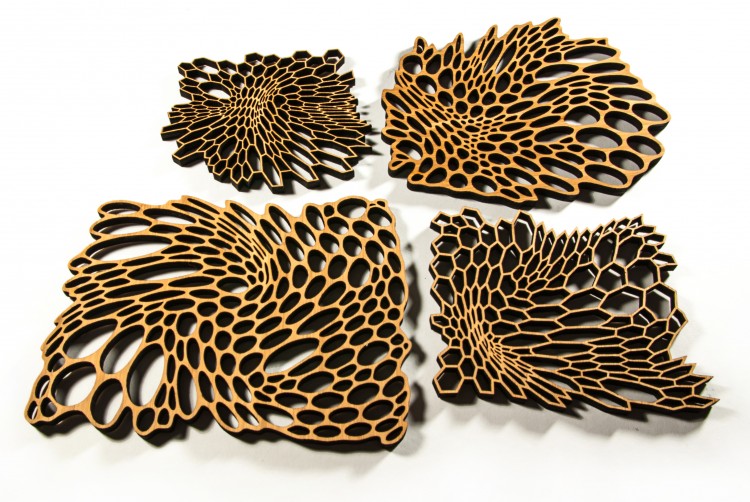
Since 2007, we've been opening our unique design process up to our customers as online apps. From intricate cellular jewelry to lasercut wood jigsaw puzzles. You design it, a robot will fabricate it and we will ship it to you!
generative design apps you can use online to design your own products


A series of limited edition products that test out our latest ideas and experiments. Through these designs, we can introduce and evaluate new algorithms, materials, interfaces and fabrication techniques.
previous lab editions

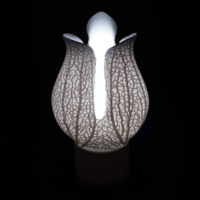
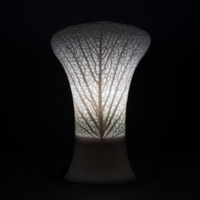


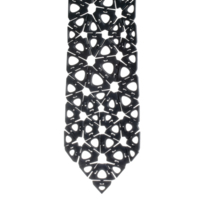
the latest designs created by visitors to our lab
<
>
Use one of our designs as a starting point for your own explorations. Each can be edited in our apps to be your size, desired material, or style.
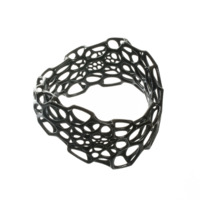
wave bracelet
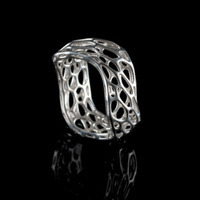
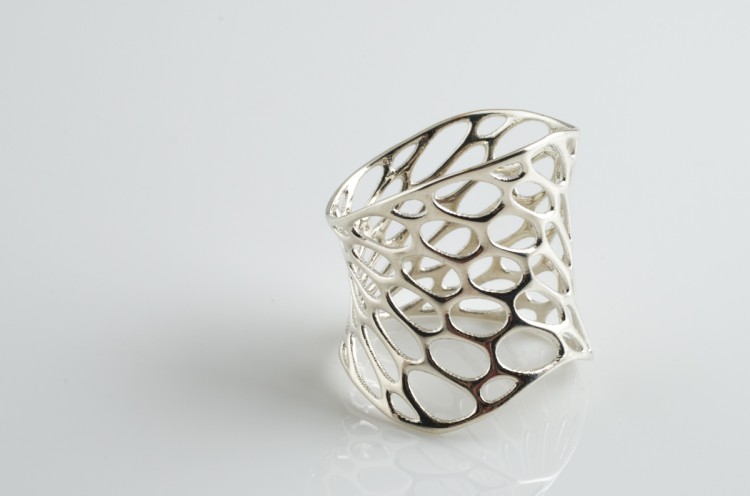
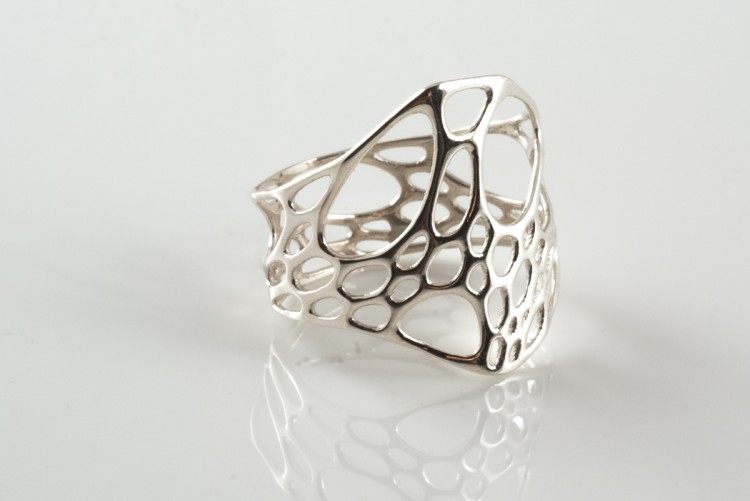
silver wave ring
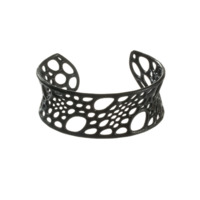
Bamboo Cuff
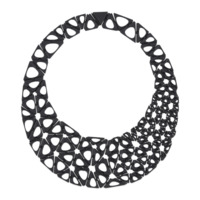
Smooth Kinematics 116n
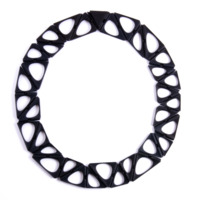
Smooth Kinematics 35n
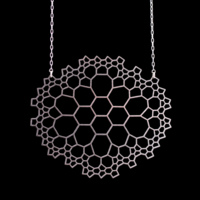
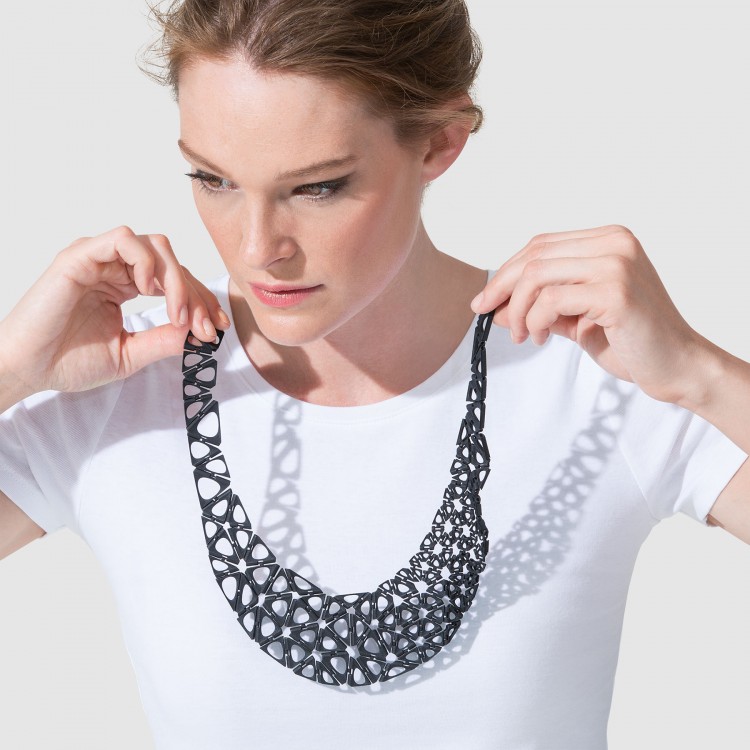
network necklace
interviews and features focusing on co-creation
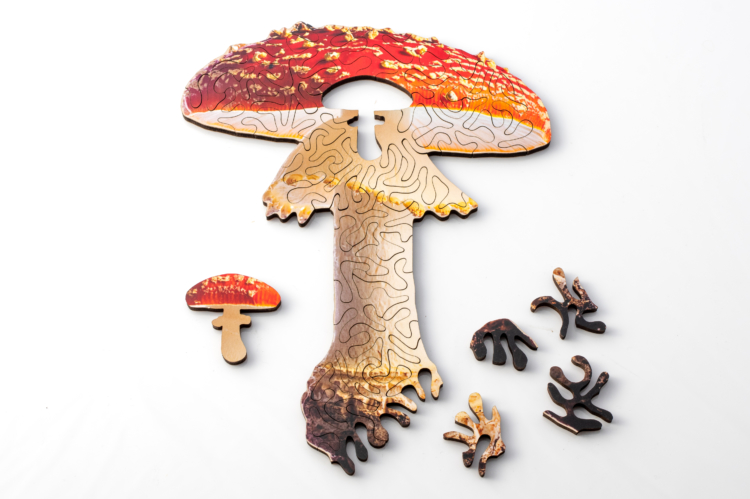
mini mushroom, rainbow and magic shape custom puzzles
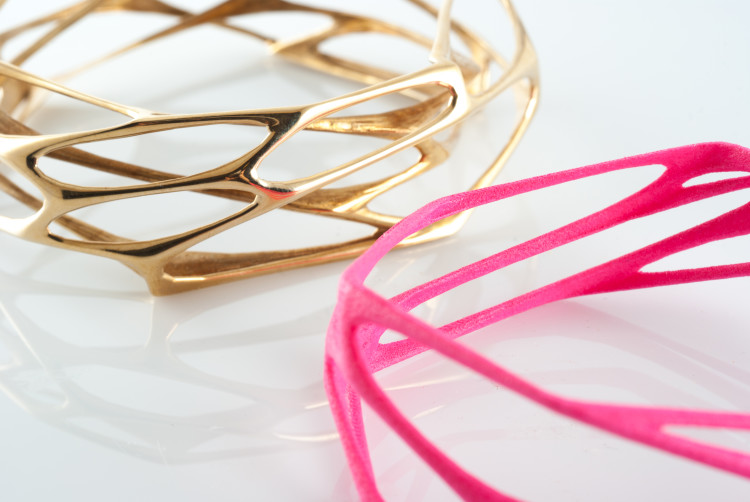
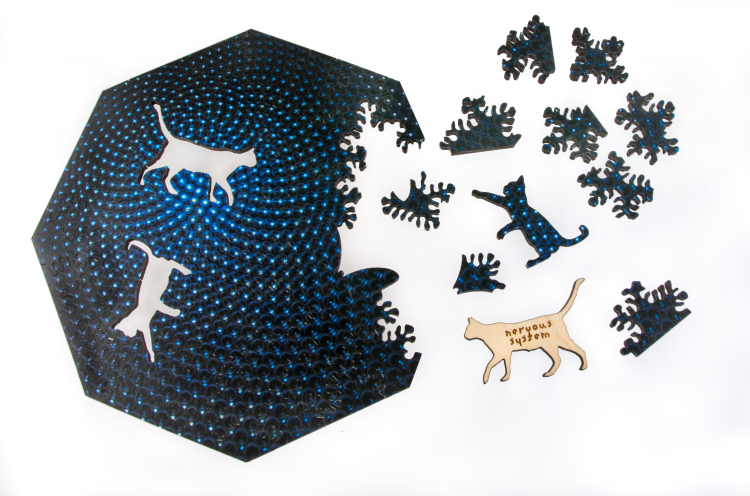
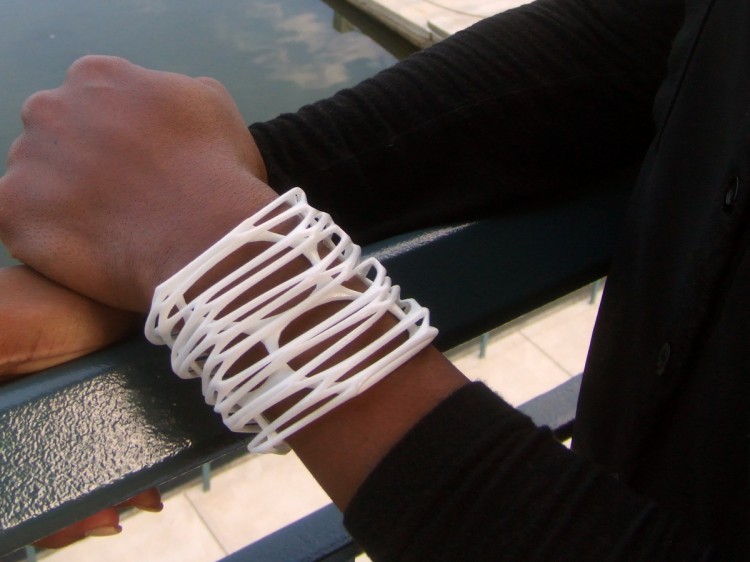
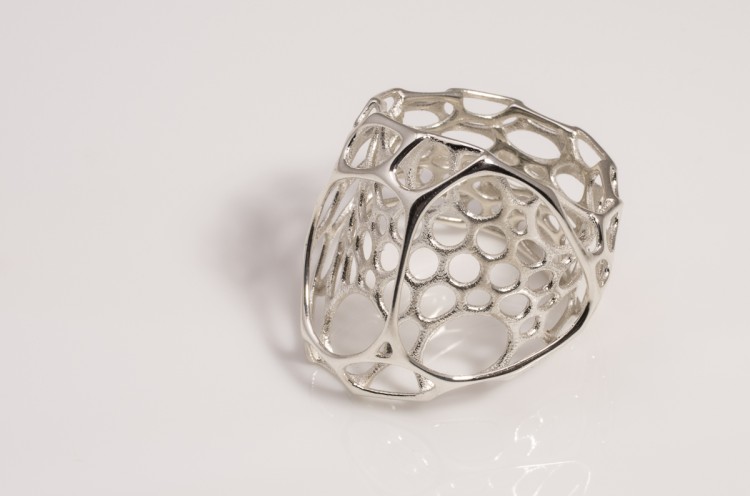
designs we've specially created for desktop machines. download these creative-commons licensed designs to make at home.


